 Candlepage
PDF dark mode for Chrome
Dark PDFs. Pictures keep their colors.
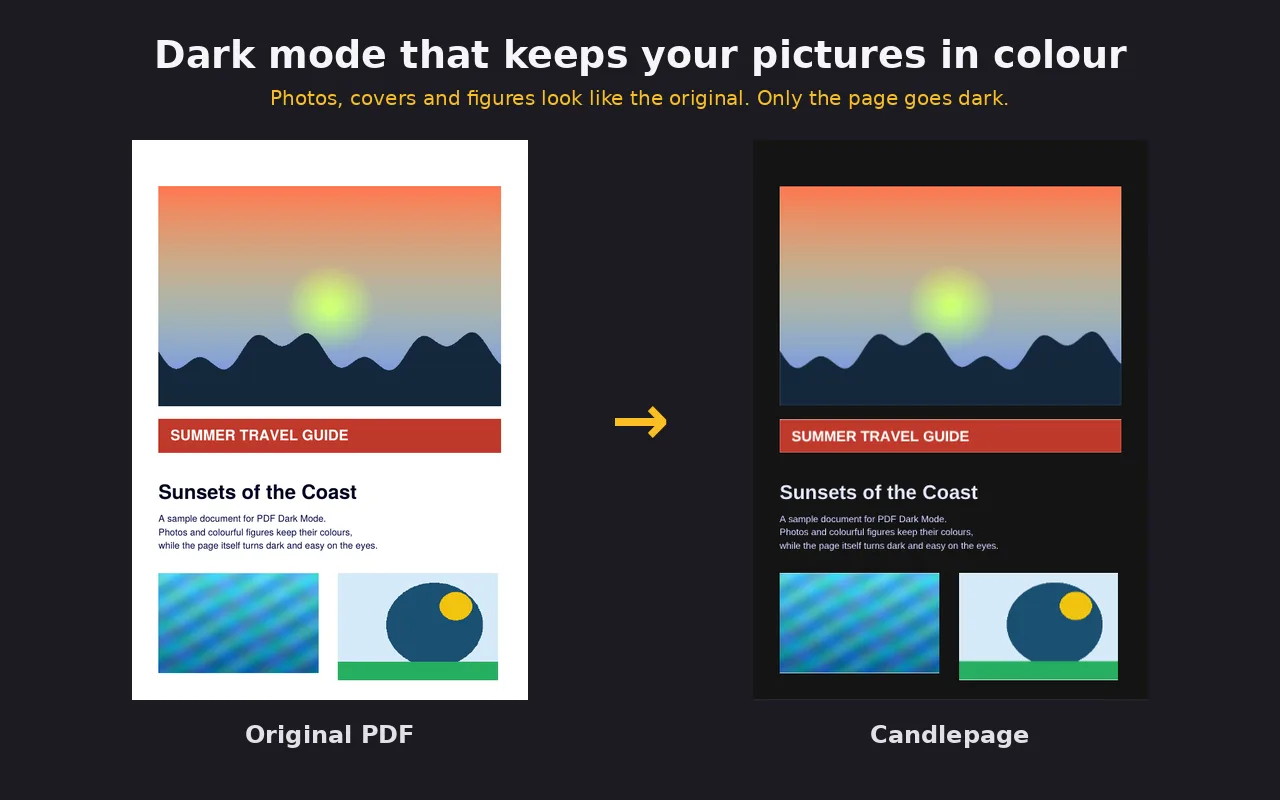
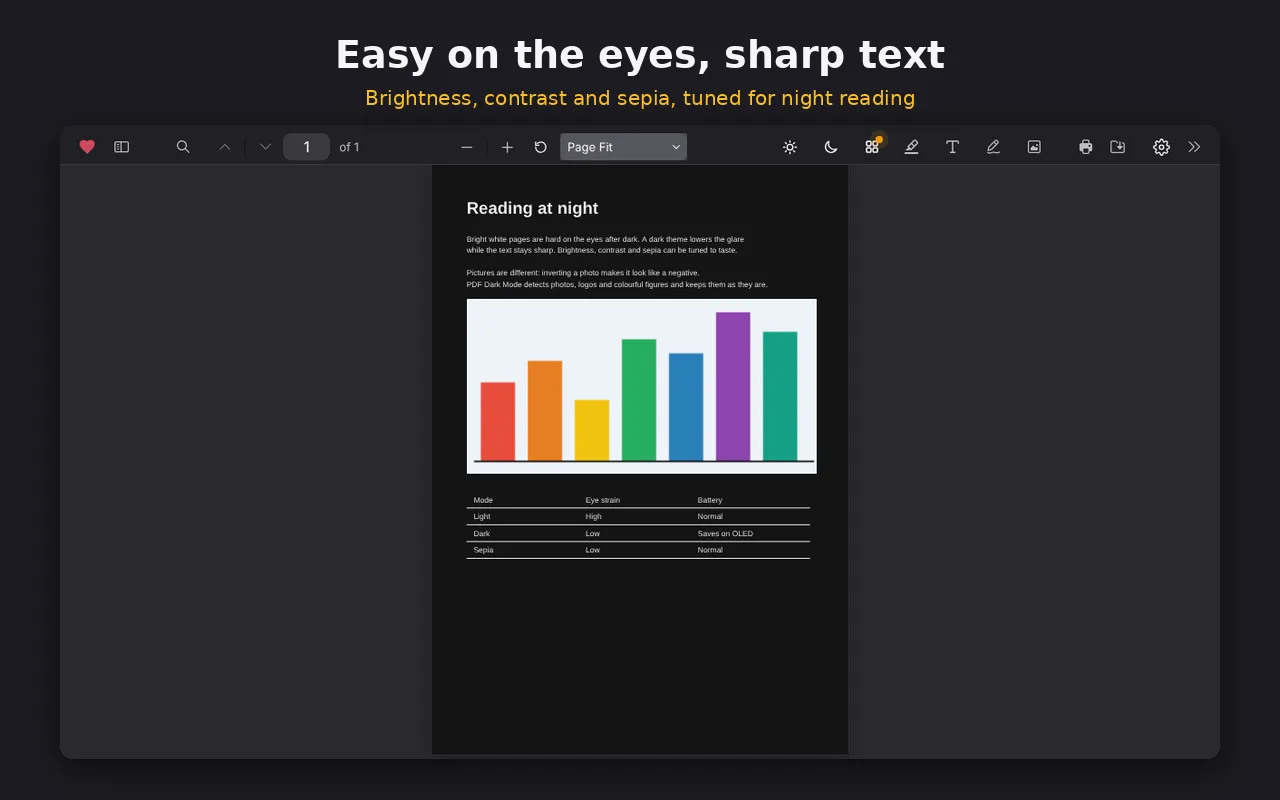
Most dark mode tools flip every pixel, so photos and diagrams turn into negatives. Candlepage darkens the page and leaves the images alone, so you can read at 2am without squinting.
Built for long reading sessions
Works on any PDF
Open a PDF from a website or from your computer and read it in dark mode.
Images stay true
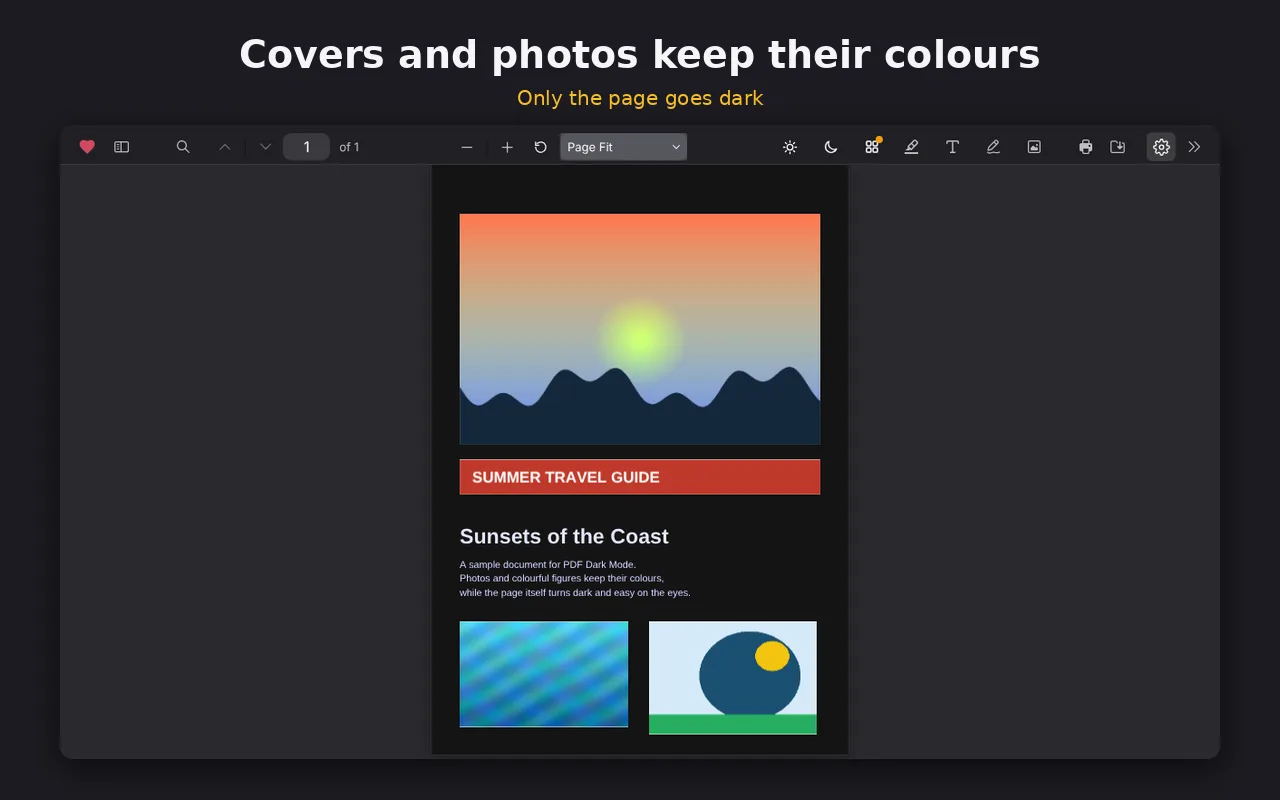
Photos, charts and book covers keep their original colors instead of turning into negatives.
Hebrew and English
The interface works in both languages, including right-to-left layout.
Clean and minimal
A simple, iOS-style viewer that stays out of the way while you read.
Extras, only when you want them
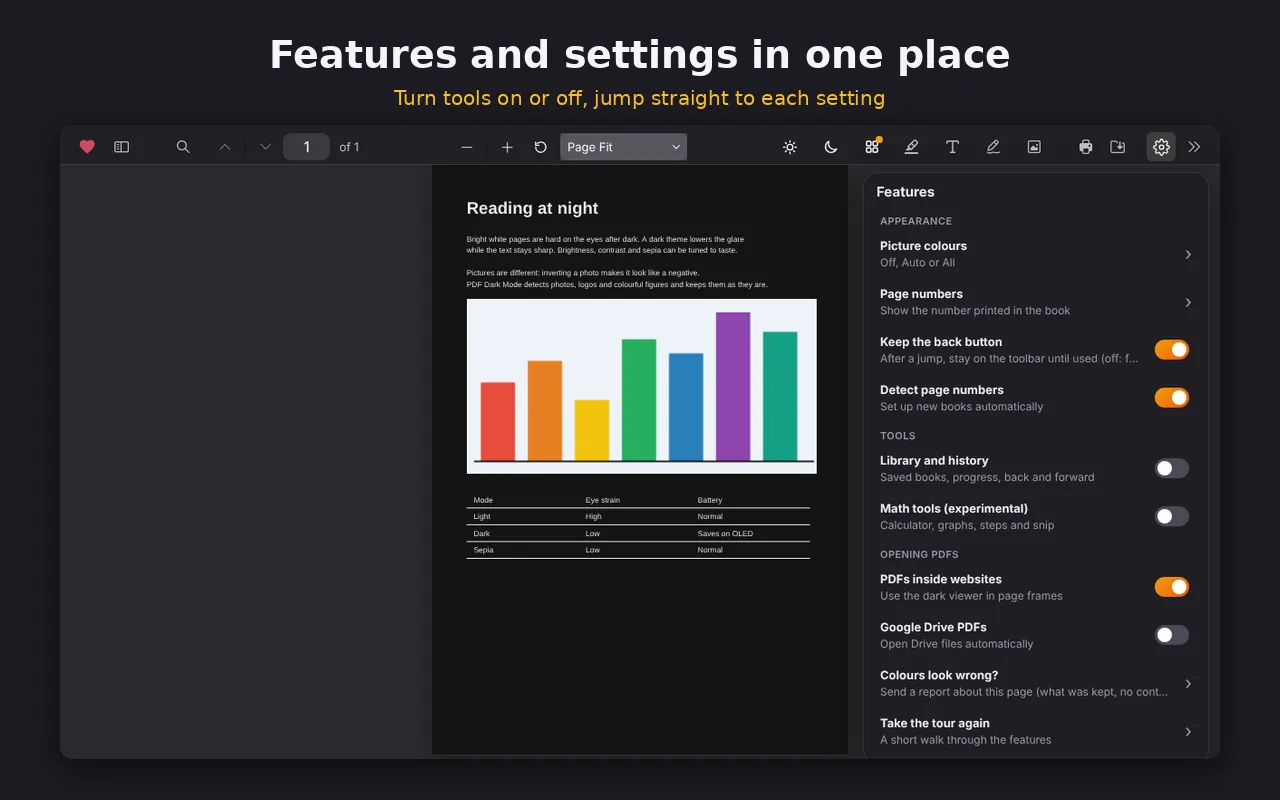
These are off by default. Turn them on in settings.
- Math toolsExperimental
- Library and reading history
- Google Drive
Questions
How do I get dark mode on PDF files saved on my computer?
Chrome blocks extensions from local files by default. Open chrome://extensions, find Candlepage, click Details and turn on Allow access to file URLs. After that, PDFs you open from your computer get dark mode too.
Will photos and charts turn into negatives?
No. Candlepage darkens the page and keeps pictures, charts and book covers in their original colors.
Is Candlepage free?
Yes, it is a free Chrome extension. If it helps you, you can support the project on Ko-fi.
What about my privacy?
Anonymous problem reports are optional and are only sent if you agree. The privacy policy below explains exactly what is collected.
Read easier tonight
Candlepage is a solo project. Found a bug or have an idea? I read every message.
Bug reports: ben.meitav.work@gmail.com